July 24, 2026 · Shrey
Why your business needs a CRM — and how SAAS CRM helps
Shrey, creator of SAASCRM.site, on why CRM beats tab chaos — and how the SAAS CRM admin + CMS template helps startups, agencies, and indie hackers ship faster.
Hello folks
Welcome to the new blog.
In today's story, I am your host/writer, Shrey, and the creator of SAASCRM.site.
We provide CRM, Admin, and CMS for startups, agencies, indie hackers, and almost every online business.
The last client we built a custom CRM for (still in progress): a Finance CRM dashboard to create bills, invoices, upload PDFs for bank statements, track records, and more. This simple yet effective tool helps clients do more in less time — instead of opening multiple tabs, they can finish the rest of their work in one CRM built on top of SAAS CRM.
Why do we need a CRM?
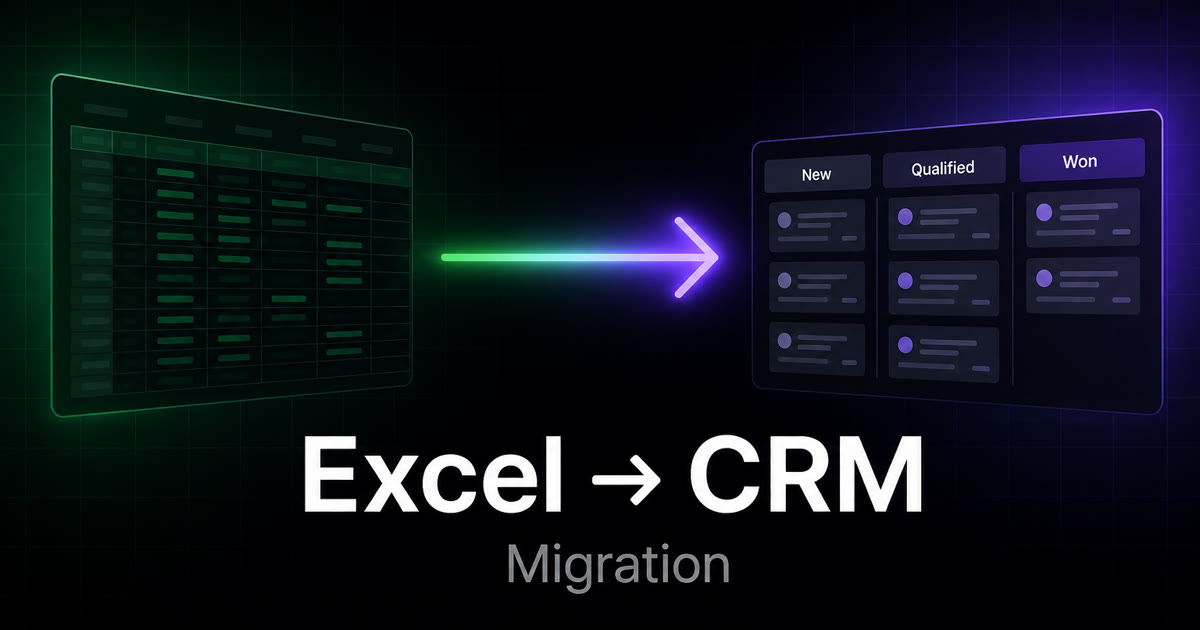
The most basic question we always ask clients or pitch leads is: Why do we need a CRM? If the answer is “we outgrew Excel,” read how to migrate a spreadsheet into a CRM next.
The obvious answer is to manage work in one platform — a more centralised system, less prone to error, and a more secure, modern way of doing business online is to have an agency CRM.
But we give something different as our answer. We tell people that CRM helps you keep the business on track, manage users, view analytics, check SEO blogs, track payments, create invoices, and more. This entire process creates discipline among teams and founders — giving an upper edge to teams that actually use CRM.
CRM is not a need — it's an answer to your future multiple-tabs distraction.
Why SAAS CRM and how it can help?
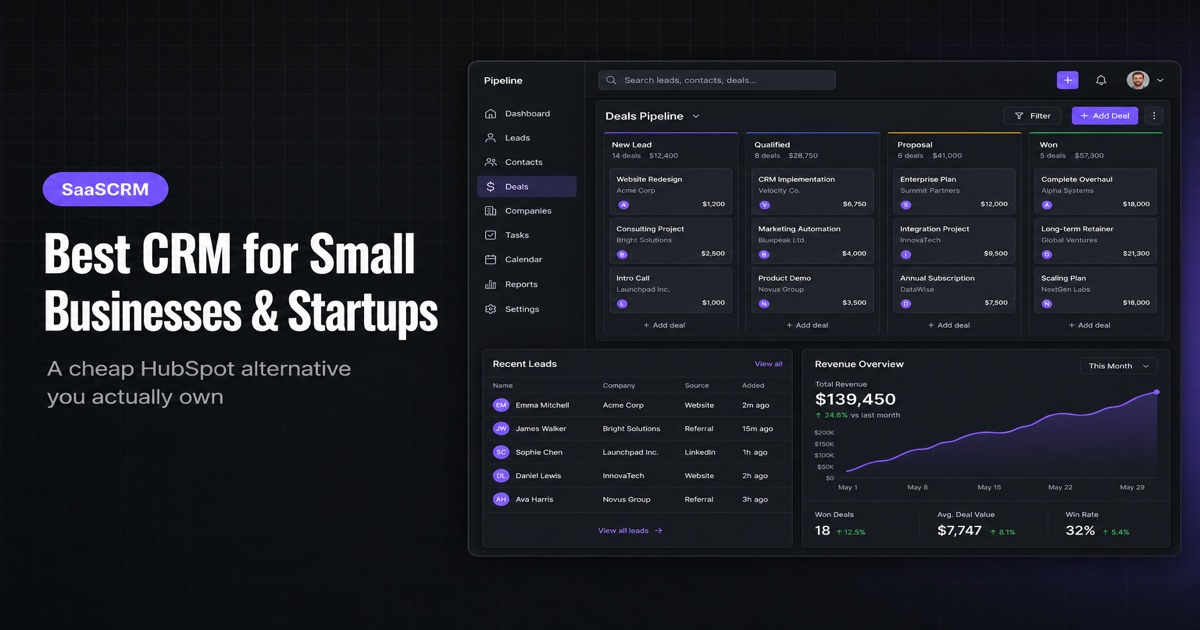
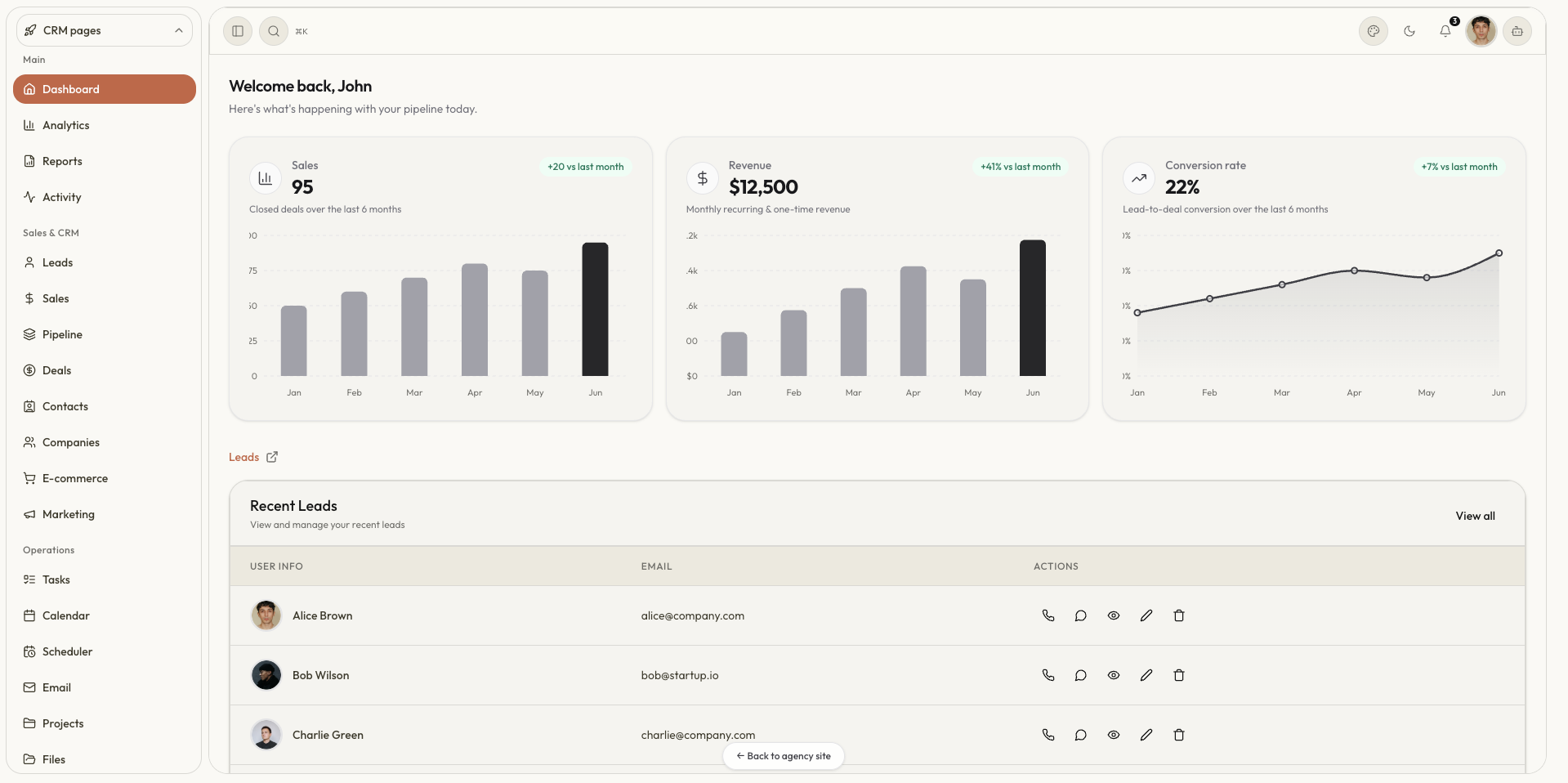
SAAS CRM is the CRM, admin, and CMS starter kit template built on the latest technology stack. It sits underneath your existing online business in the background, helping you quietly manage and run the entire business.
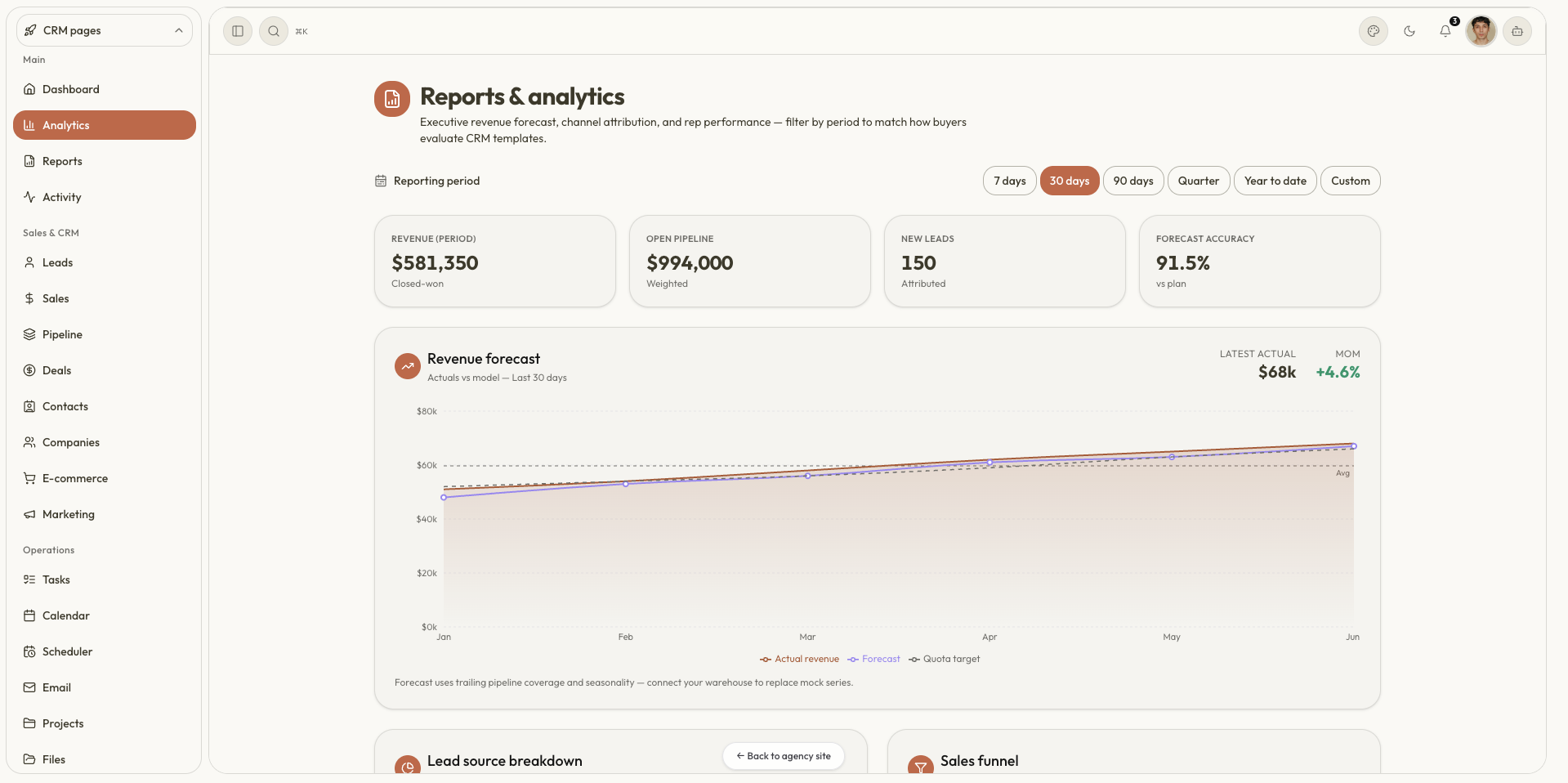
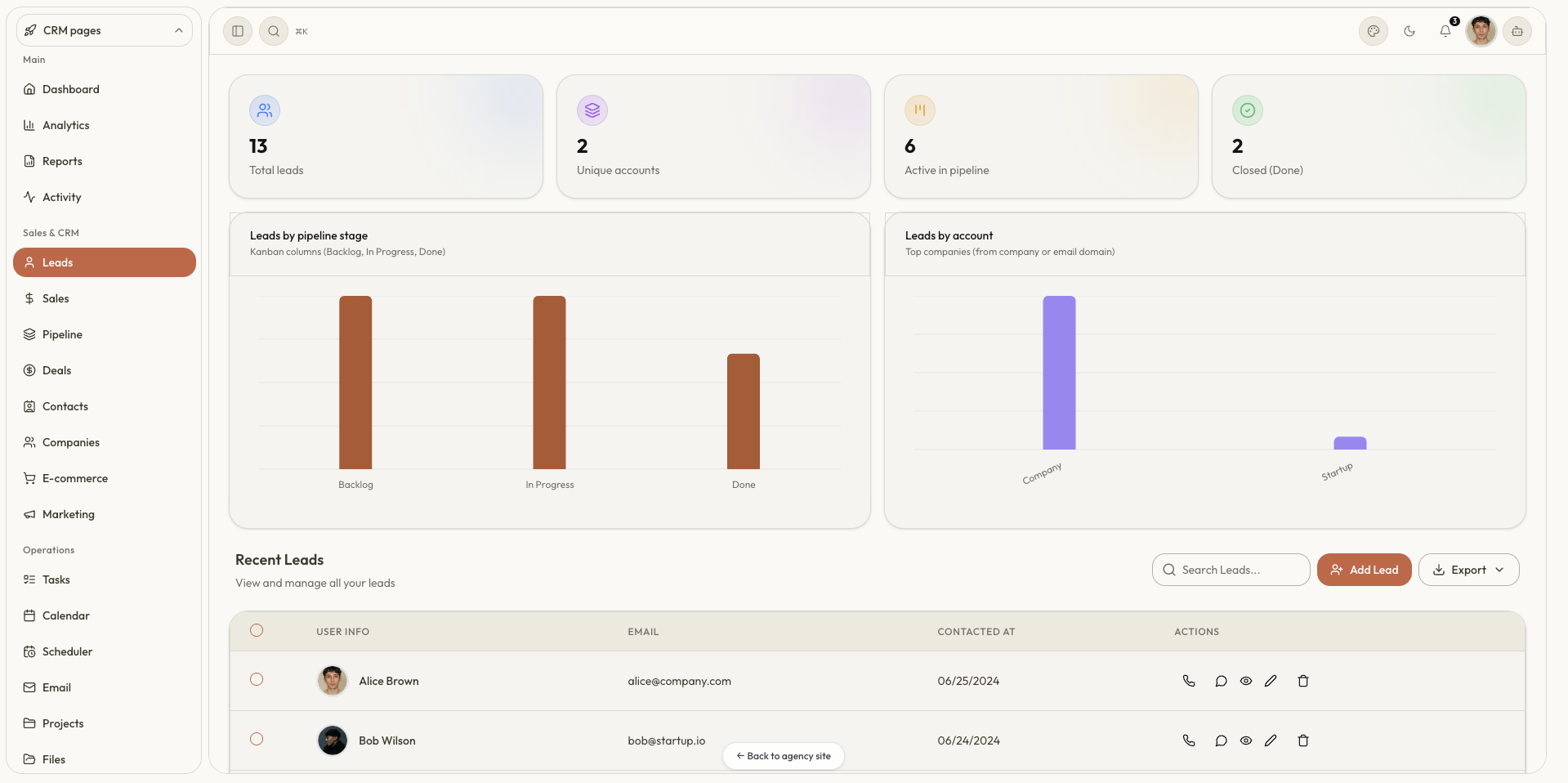
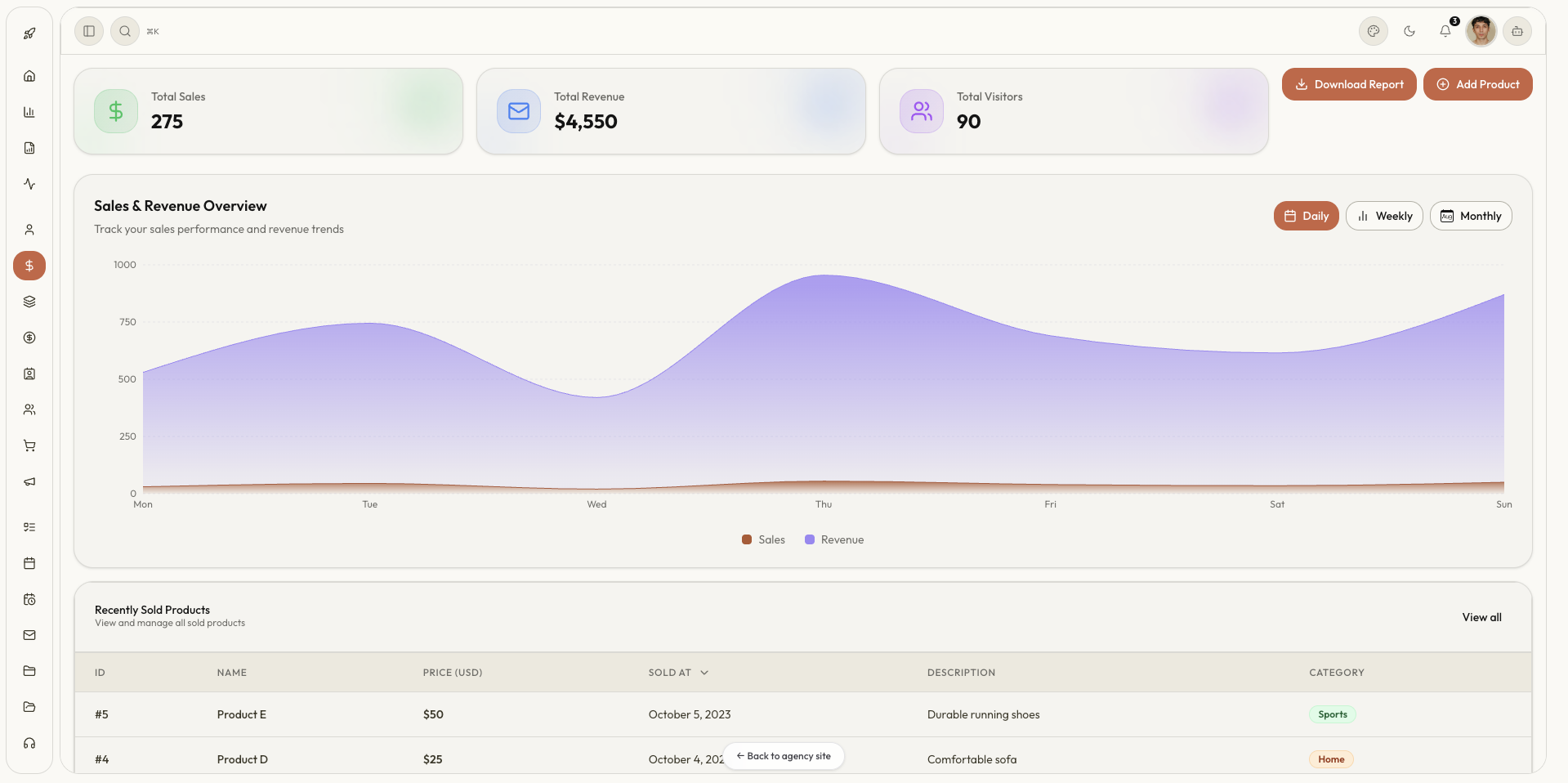
- SAAS CRM provides 60+ pages for Admin, CRM, and CMS — Leads, Proposals, Invoice, Payments, Sales, Analytics, and more
- SAAS CRM provides an AI agent chatbot that can answer queries and perform tasks such as creating an invoice
- SAAS CRM is customisable and can integrate with Stripe, PayPal, Supabase, Polar, Lemon Squeezy, Notion, Linear, Google Drive, Google Analytics, PostHog, Slack, and more
How to build my CRM in days?
It's not that hard. We provide technical support and email support to either add a CRM to your existing business or build a custom one — it depends on the need.
- SAAS CRM template provides a Next.js, React, shadcn/ui, Tailwind stack that is easy to customise, edit, and responsive by default with dark/light theme support
- SAAS CRM template provides database API schemas for Prisma, SQL, NoSQL, MongoDB, SQLite, Supabase, and Firebase
- SAAS CRM template provides deployment steps and documentation so you can start quickly and build an advanced CRM on your own
Building CRM using SAAS CRM in 3 steps
- Get the SAAS CRM — download the zip and unzip the file
- Install packages with
npm install, then run the repository locally - Edit the files, pages, and tables — then deploy or push to GitHub
In just a few steps, your CRM is ready. Integrating with tools and APIs comes next.
Why SAAS CRM?
We also wonder a lot sometimes: why SAAS CRM?
As a founder and creator with 5+ years of experience, running a SaaS app and generating revenue online is not easy — we all need tools to ease the process. SAAS CRM is the solution we provide to ease the pain of doing so many things for every small online business. It helps save tab groups, sort out the plan of action, and stay focused and disciplined — more than just a CRM sitting on an admin page.
CRM is needed almost everywhere?
Yes — CRMs are needed almost everywhere.
| What clients do today | The SAAS CRM way |
|---|---|
| Notion, Google Docs, or Ghost for blogs — then manually copy-paste into a database | Write and publish from one CMS-ready admin |
| Invoicing in one tool, payments in another | Create invoices and track payments in one dashboard |
| Analytics split across GA, Vercel, Umami, Plausible | One CRM dashboard with maps and device-level detail |
| Checkout links on PayPal, Dodo, Stripe, Polar — managed in Notion | Create and manage products from one place |
| Kanban on Monday, Linear, or Notion — then ask Claude for content | Agentic kanban board inside the same CRM |
A lot more use cases are why SAAS CRM is a need for almost every business. It sits quietly in the background as an admin panel or route page — making the journey easy-peasy.
Don't want to write more and bombard you with jargon and pros and cons — give it a try: saascrm.site.
That would be enough for today. See you in the next one.
Cheers,
Shrey