September 9, 2026 · Shrey
- SaaS CRM
- Small Business
- AI CRM
- CRM Templates
- 2026
SaaS CRM for Small Business in 2026: What Actually Matters When You're Choosing One
Most CRM implementations fail from poor adoption, not missing features. A practical 2026 guide to choosing a SaaS CRM for small business — workflow, pricing, AI agents, and templates vs subscriptions.
Most small businesses don't fail at CRM because the software is bad. They fail because they bought a tool sized for a sales org they don't have, never migrated their data cleanly, and quietly went back to spreadsheets three months later. Roughly half of all CRM implementations miss their stated objectives, and the most-cited reasons are poor adoption and messy data — not missing features. That gap between "bought a CRM" and "actually runs the business on it" is the real problem this guide is trying to help you avoid.
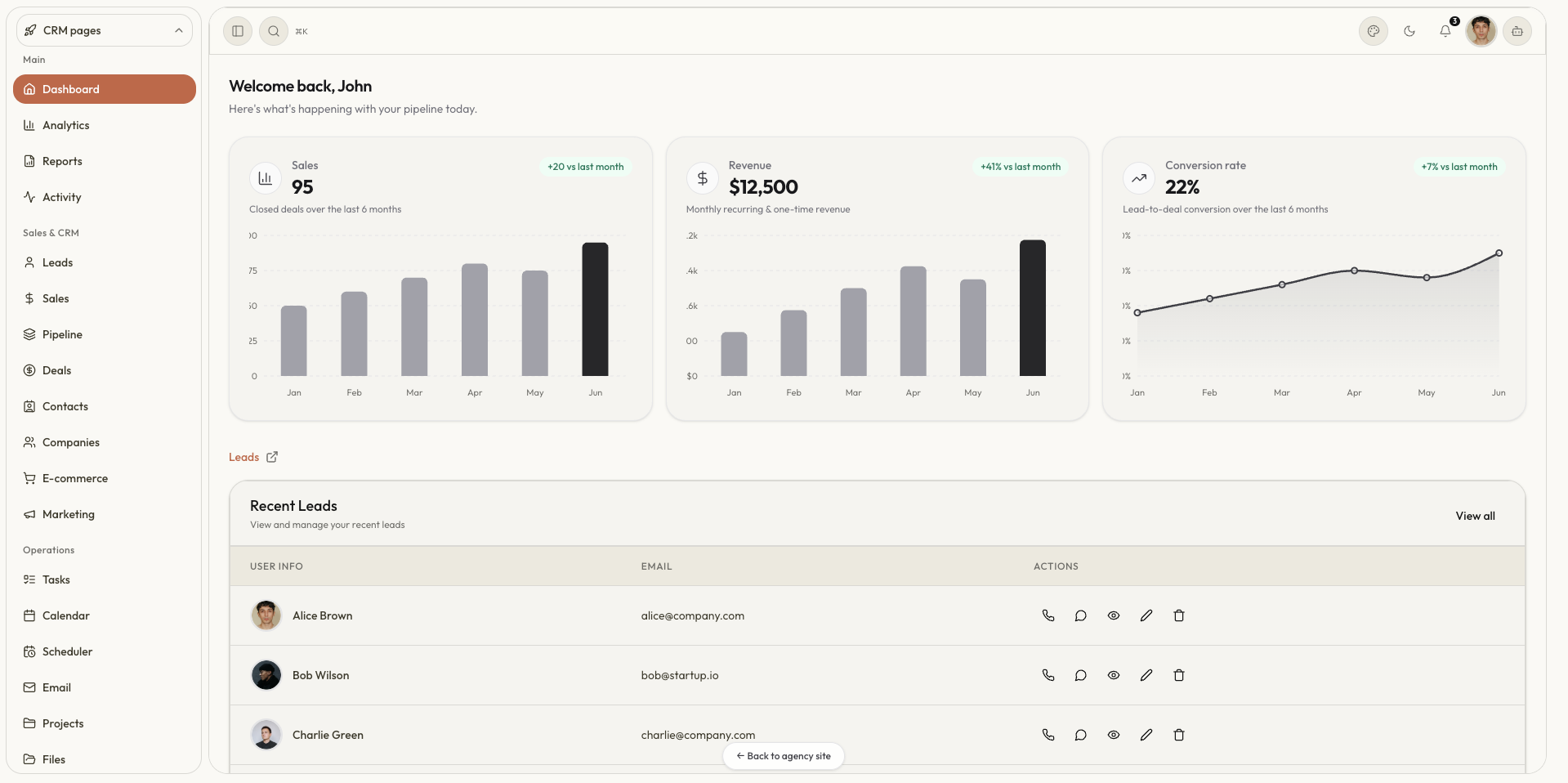
If you searched SaaS CRM for small business, best CRM software for small business 2026, or how to choose a CRM for small business, start here — then try the SaaSCRM live demo and plan your own modules in two minutes.
What a SaaS CRM actually is
A SaaS CRM is a cloud-hosted system that centralizes every customer touchpoint — contacts, deals, emails, tasks, support tickets — so a small team isn't reconstructing the customer relationship from memory and inboxes every time a deal moves forward. Unlike installed enterprise CRM, you don't manage servers or licenses; you log in, and updates ship continuously. For a small business, the value isn't the software itself — it's not having to ask "wait, who followed up on this lead?" in a Slack channel.
The category is broad enough to fool people into treating every CRM the same way. A CRM built for a traditional sales team assumes a straight line: find a lead, work the deal, close it, move on. That line barely exists for SaaS and service businesses, where someone can sign up for a trial, go quiet for two months, upgrade, refer a friend, and churn — all without a single scheduled call. A CRM that only tracks deal stages misses most of what's actually happening in that relationship, which is why generic "sales CRM" reviews often steer small teams toward the wrong shortlist entirely.
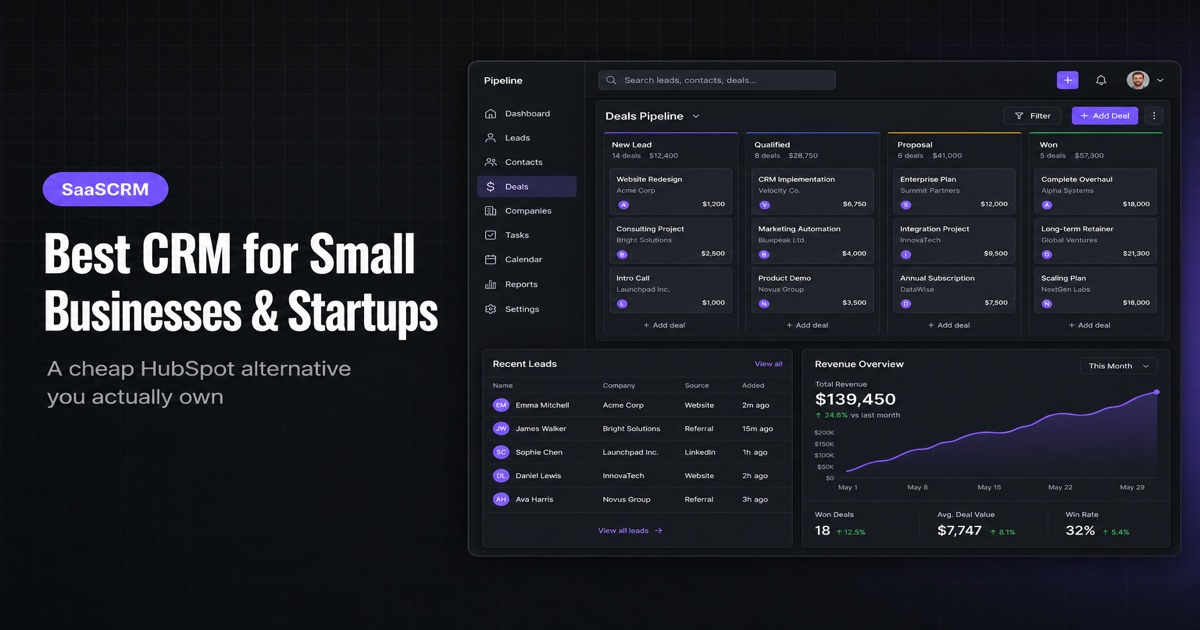
We wrote a shorter buying filter in Best CRM for small businesses and startups if you want the HubSpot / open-source comparison. This post is the 2026 version: agentic AI, adoption, and whether you should rent a platform or own a template.
Why the 2026 landscape looks different
Three things changed the buying calculus this year, and none of them are marketing spin.
AI moved from a feature to the workflow. Every major vendor spent the last two years rebranding standard automation as "AI," but a real architectural shift did happen underneath the noise: routine CRM work — scoring a lead, drafting a follow-up, logging a voice note into a deal record — is now something an agent does inside the record, not something a rep does by hand. None of this requires an enterprise budget anymore; automation that used to need a consultant and a stack of connector tools is becoming a checkbox inside the CRM itself.
That is the idea behind an agentic AI CRM for small business: the chatbot should mutate leads and invoices, not restyle a FAQ. SaaSCRM ships that pattern in the demo AI chatbot and the AI CRM Builder.
Small teams are structurally well-positioned to benefit first. Enterprise buyers debate this in committee for two quarters. A founder-led team can map one workflow, plug an agent into the CRM they already have, and iterate live inside a single quarter — no legacy systems, no political friction between sales, marketing, and support to negotiate around.
Adoption of AI features specifically has outpaced adoption of CRM itself. Roughly 83% of companies using a CRM report using its AI features, but that number sits uncomfortably next to the 55% of implementations that still fail to meet their objectives — mostly from data entry friction and thin user adoption, the same causes that predate AI entirely. Bolting agents onto a CRM nobody logs into daily doesn't fix the underlying problem; it just automates it faster.
If you're evaluating CRM tooling right now, that last point is the one to sit with: an agent is only as good as the record it reads, and a misspelled email field that used to bounce one message can now trigger an autonomous follow-up sequence aimed at the wrong person. Speed without a clean source of truth is a new failure mode, not a fix for the old one.
How to actually choose one
Skip the 50-vendor comparison spreadsheet. For a small business, the evaluation collapses to five questions, roughly in this order.
1. What's the one workflow you're actually trying to fix? Not "we need a CRM" — that's a category, not a requirement. Is it lead follow-up falling through the cracks? Deals with no clear next step? No visibility into what a specific rep is working on? Write down the actual pain before opening a single vendor site. A CRM feature checklist built around your real bottleneck, scored as mission-critical, nice-to-have, or unnecessary, keeps you from being sold on features you'll never touch.
2. Who's actually going to use it, and how many of them are there? For a one- or two-person sales motion, an intuitive interface and a short onboarding path matter more than the feature list, because a CRM that needs a training session to use consistently is a CRM that won't get used consistently. This is the single biggest predictor of whether you land on the right side of that 55% failure statistic.
3. What tier of pricing actually matches your stage? Entry-level plans (roughly $10–30/month per seat) cover core contact management, basic reports, and light automation — plenty for a pre-revenue or early-revenue team. Midtier plans ($30–80/month) add customizable dashboards, multistep automation, and AI tooling. Enterprise tiers run $80–300+/month and buy you customization and dedicated support you almost certainly don't need yet. Watch for AI features, data storage, and automation limits gated behind higher tiers — that's where the real monthly cost creeps up after the demo.
If you would rather own the UI than rent seats, SaaSCRM pricing starts from $49 for the Next.js template — not a per-seat lock-in.
4. Does it fit your actual customer journey, or a generic one? If your business runs on trials, renewals, and expansion revenue rather than one-time deals, a CRM built purely around deal-stage tracking will miss most of what matters. Renewal reminders and churn signals are a different automation problem than "follow up with this lead," and it's worth checking a vendor's SaaS-specific workflows before assuming a general sales CRM will bend to fit.
Agencies hit the same wall when delivery leaves the pipeline — we covered that in Agency CRM.
5. What does day one actually look like? Ask about data migration, onboarding support, and whether AI features are usable out of the box or require weeks of configuration. A six-step evaluation framework worth borrowing: define your goals, set a real budget, compare features against that list (not the vendor's), pick a provider that includes onboarding support, think about where you'll be in two years — not just today — and only then request demos from a narrowed shortlist. Trying every category leader before narrowing down wastes weeks you don't have.
You can skip most of that calendar by describing the business in the AI CRM Builder and walking a live dashboard the same afternoon.
The failure modes worth planning around
The uncomfortable stats are worth internalizing before you sign anything, because they tell you where to spend your setup time.
- Poor adoption, not missing features, kills most implementations. Analysts disagree on the exact number — estimates range from 30% to 63% — but every source agrees on the top cause. The system is bought, someone logs in twice, and then it's quietly abandoned for a spreadsheet.
- A CRM on the books isn't a CRM in use. Roughly 43% of businesses with a CRM use fewer than half of the features they're paying for. Before you shop for a fancier plan, it's worth asking whether you're already underusing the one you have.
- The upside is real when it works. Analysts have cited average ROI figures as high as $8.71 per dollar spent, with more conservative recent estimates closer to $3.10 as the market matures — either way, a properly adopted CRM pays for itself many times over. The gap between the failure statistics and the ROI statistics is entirely about whether the team actually uses the thing.
The fix isn't a better feature list. It's picking something simple enough that your two-person team opens it daily, migrating clean data instead of a decade of duplicate contacts, and defining one clear "next step" field before you turn on any automation.
That is also why we keep shipping templates instead of another hosted portal — see Why I keep building CRM templates.
Build vs. buy: where CRM templates fit in
Not every small business needs a full platform subscription on day one. A lot of the actual pain — a clean contact database, a visible pipeline, a place to log follow-ups — can be solved with a well-built CRM frontend you own outright rather than rent monthly, especially for a solo founder or a service business that just needs structure without a $30–80/month line item. That's a reasonable middle step between "still using a spreadsheet" and "signed a 12-month enterprise contract" — worth weighing honestly against your actual workflow from question one above, not against a vendor's feature list.
Browse six CRM templates you can demo today and the templates gallery. If your stack is Next.js already, a SaaS CRM template you customize in Cursor is often faster than another vendor onboarding call.
Choosing by stage, not by "best"
There's no single best SaaS CRM — there's the one that matches how many people will actually touch it.
- Solo founder or two-person team: prioritize a short onboarding path and a system you'll actually open daily over a long feature list. Entry-tier pricing, not midtier.
- Small service business (bookings, renewals, repeat clients): prioritize renewal and follow-up automation over pure deal-stage tracking — your customer journey isn't linear, and a generic sales CRM will fight you on it.
- Early SaaS team fighting churn: prioritize trial and usage tracking alongside deal stages, since most of the signal that predicts churn happens before a sales conversation ever occurs.
Whatever you land on, the deciding factor is rarely the vendor logo — it's whether the system matches the one workflow you actually need fixed, and whether your team will still be logging into it in month four.
Conclusion
A SaaS CRM for small business in 2026 is not the longest feature matrix. It is the system your team will open daily, with clean records an agent can actually trust.
If you are still reconstructing deals from Slack and Sheets, start with one workflow, migrate only the data you need, and delay fancy automation until the next-step field is honest. SaaSCRM exists for that middle path: a Next.js CRM, CMS, and admin you can demo today, plan in two minutes, and own without a per-seat tax.
Next steps
- Explore the live CRM demo
- Plan your CRM in 2 minutes with the AI Builder
- Browse templates or buy the kit from $49
- Need a custom build? Email shreyvijayvargiya26@gmail.com or book a call
Internal reading: for more on why CRM templates keep coming back into founder toolkits, see Why I Keep Building CRM Templates; for the update log behind SaaSCRM.site's own template lineup, see CRM, CMS, Admin for Businesses; and for the AI-agent side of running a small content or ops team, see AI Content Management System and AEO in 2026: The Complete Answer Engine Optimization Guide for Technical Founders. If you're evaluating your own SaaS launch stack more broadly, I Built a SaaS Starter Kit and the SaaS Directories list are worth a look, and the monthly Magazine rounds up developer and founder tooling like this every month.
Cheers,
Shrey — creator of SaaSCRM.site