September 18, 2026 · Shrey
- AI CRM
- CRM prompts
- Cursor
- Claude
- SaaSCRM
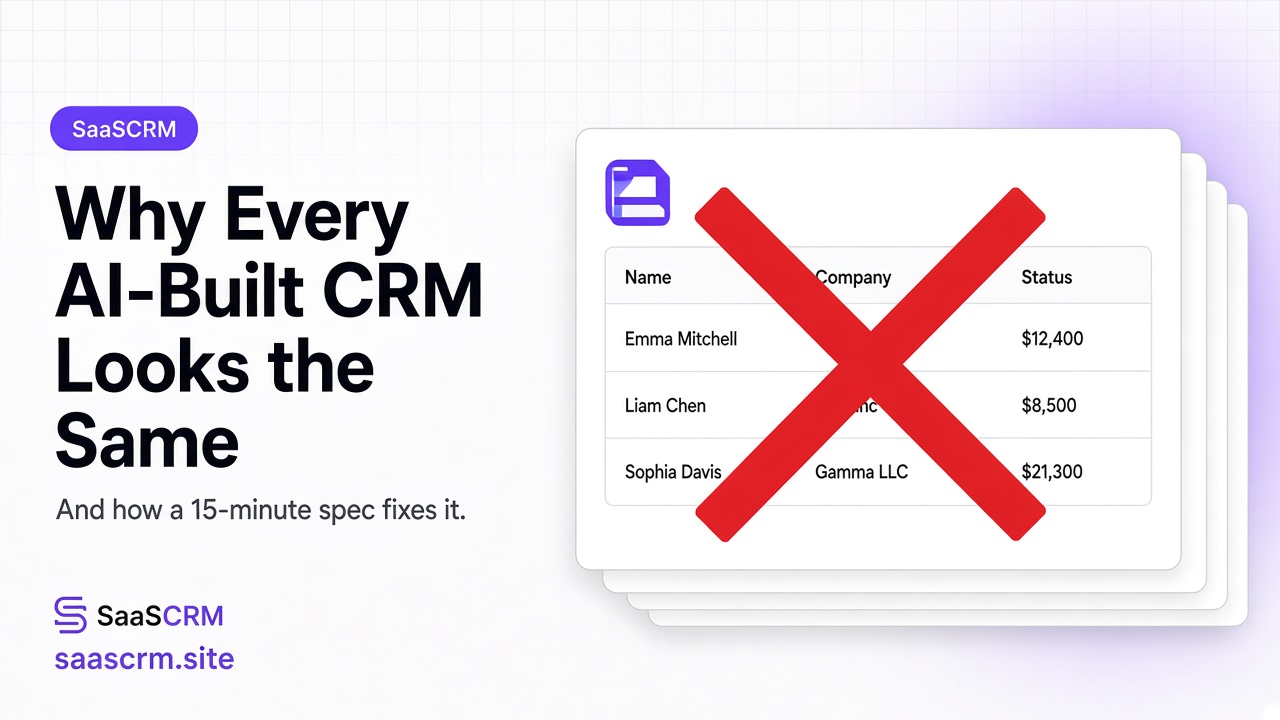
Why Every AI-Built CRM Looks the Same — And How a 15-Minute Spec Fixes It
Why AI-generated CRMs look so similar, and how a 15-minute business spec plus a SaaSCRM prompt helps Claude or Cursor build a layout that actually fits your workflow.
Hello folks
I've built quite a few CRMs with AI. And I noticed something funny.
Ask Claude or Cursor:
Build me a CRM.
You'll probably get the same thing every time.
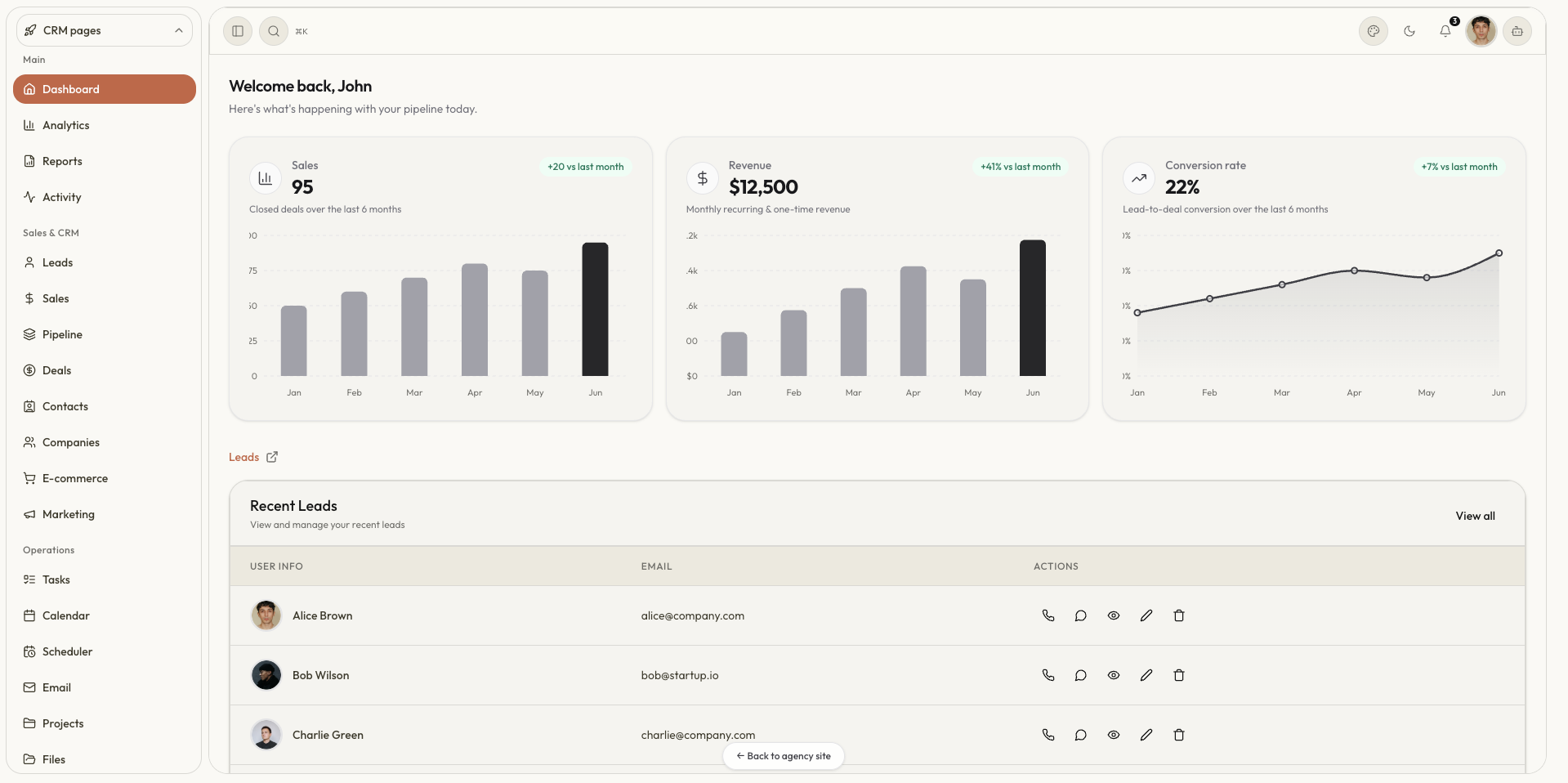
Leads. Contacts. Deals. Pipeline. Dashboard. Maybe a chart. Maybe some purple.
The problem isn't that the AI can't build a CRM. The problem is that it doesn't know your business.
We started doing something different
When we build a CRM for a business, we don't start with “build a CRM.” We start with a small document. It usually takes about 15 minutes.
We write:
- What do we call our customers?
- What happens from the first interaction to the final sale?
- What information do we need to store?
- What are the important statuses?
- What should the first version not include?
That's it.
A content business might look like:
Idea → Brief → Writing → Editing → Approved → Published
With records for articles, authors, keywords, and publish dates. That's already enough for AI to build something more useful than a generic CRM.
You don't need a 60-page CRM
Most businesses don't need a huge CRM on day one.
- Managing content? Start with a content table + kanban + calendar.
- Sales? Start with leads + contacts + pipeline.
- Finance? Start with invoices + payments.
Start with one workflow. Use it. Then add the next. That's how a small internal tool becomes a complete CRM.
We turned the approach into prompts
The same idea now lives in the SaaSCRM prompt library. Open a prompt, hit Copy prompt, paste it into Claude or Cursor, and drop your 15-minute spec in the BUSINESS block at the bottom.
The prompt gives AI the structure. You give it the business.
Current prompts:
- Build a SaaS CRM — Next.js + Vite tabs, compact frontend CRM from a business description
- Build an Editable CRM — Airtable / Notion-style tables, sheets, and kanban
- Build a Full SaaS CRM — 60+ pages and 20+ tables
- Calendar Scheduling App
- Payment Tracking App
- Kanban Project Management App
- Invoice Management App
Pick the small slice if that's the pain. Pick the full kit if you already know the client will ask for “just one more module.”
The simple lesson
AI doesn't need more instructions. It needs better context.
Instead of spending an hour correcting a generic CRM, spend 15 minutes explaining how the business actually works. Then let AI build around that.
Start with the workflow. Build the small thing. Prove it works. Then expand it.
And honestly, sometimes you don't need a CRM at all. You just need better software for the workflow you already have.