September 11, 2026 · Shrey
- Claude CRM
- Claude Skills
- AI CRM Builder
- CRM Prompt Template
- SaaSCRM
I Trained Claude to Build My CRM Using SaaSCRM.site
How I packaged SaaSCRM.site into Claude Skills and a Cursor CRM prompt template so Claude scaffolds a frontend CRM from a business description — Next.js or Vite, no generic AI UI.
Target keywords — Primary: claude crm · Long-tail: ai crm builder, crm prompt template, claude skills, train Claude to build CRM, SKILL.md CRM Next.js, Cursor CRM prompt vs Claude skill
I got tired of pasting the same CRM spec into Claude every week. Leads vs listings. Pipeline stages. Which columns are currency. Don't invent a Companies page. Don't wire a fake REST API. Don't ship the default Inter-plus-indigo "AI dashboard."
So I trained Claude the way Anthropic actually wants you to train it: a Claude Skill — a SKILL.md with a trigger description, plus reference files for the SaaSCRM entity model. Then I published the same instructions as a CRM prompt template you can paste into Cursor.
This is the write-up: why a skill beats a chat, what I packed into it, and how to run it from saascrm.site in about two minutes.
What "training Claude" actually means
Claude does not fine-tune on your SaaS from a marketing site visit. Claude Skills (also called Agent Skills) are folders Claude loads when the task matches the skill description. Anthropic's own custom skills guide is blunt: at minimum you need a directory with SKILL.md, YAML name + description, and markdown instructions. Optional references/ hold the spec you don't want stuffed into every turn.
That is the official claude skills model — not a mystery "I uploaded my product." Agent Skills on the Claude platform work the same way across claude.ai, Claude Code, and the API: once the skill is available, Claude uses it when the request is relevant.
For claude crm work, that description has to say when to fire: "scaffold a CRM, sales tracker, pipeline, or leads table — even if the user never says CRM." Otherwise Claude writes a to-do app with a sidebar.
We already made the website agent-readable with llms.txt, agents.md, and OpenAPI. Skills are the next layer: they teach the builder how to emit a CRM that looks like SaaSCRM, not a random admin.
Why "build me a CRM" keeps failing
People are shipping CRMs with Claude Code in 2026 — contacts, kanban, login — by talking in English. Tutorials exist. The failure mode is not "Claude can't code." It is no durable CRM brain.
A naked prompt forgets:
- Which entities you actually need. Canonical SaaSCRM set is leads, contacts, companies, deals, pipelines, invoices, payments, tasks. A freelancer rarely needs all eight. Our agency CRM write-up exists because agencies need projects and invoices, not another generic deal board.
- Column types. Status is a badge-select. Amount is currency. Owner is a person cell. Notes belong in a sheet, not a 400px table column.
- Scope. Two to four pages covering the workflow. Not a 60-screen dump on day one. That is the same lesson as planning a CRM in two minutes.
- Frontend-only until you ask. Half-wired
fetchcalls to/api/leadsthat 404 are worse than mock state.
Meanwhile the category still has a people problem, not a feature problem. Roughly 55% of CRM implementations miss their objectives, mostly adoption and data — which is why choosing a SaaS CRM for small business in 2026 is about daily use, not logo. If Claude generates a 40-field Salesforce clone, you just automated the same abandonment.
An ai crm builder is useful when it encodes those constraints before the first file is written.
What I packed into the SaaSCRM Claude skill
Two zip skills live on the homepage card "Ask Claude to Build CRM":
- Next.js (App Router layout,
app/(crm)/…) - Vite + React (
react-router-dom)
Each zip is a real skill directory: SKILL.md plus references/ for design tokens, column types, table components, and SaaSCRM context grounded in saascrm.site/llms.txt and the API map.
The skill forces a workflow:
- Extract the spec from the business description — domain, ordered stages, implied entities, their words ("donors", "listings").
- Pick 2–4 pages, dashboard only if they asked for an overview.
- Cap tables at 5–7 columns; rest in a row-detail sheet. Map signals to editors (Select + Badge, Calendar, Combobox, currency prefix).
- Use the repo's shadcn/Tailwind tokens if they exist; otherwise a documented slate/new-york default.
- Seed mock data + a Sonner activity loop so the CRM feels alive without a backend.
- Report entities, paths, and that state is in-memory.
Guardrail, copied into the skill on purpose: never wire a real API unless the user explicitly asks. Same honesty we use when we keep shipping templates instead of pretending every founder needs a 12-month seat contract.
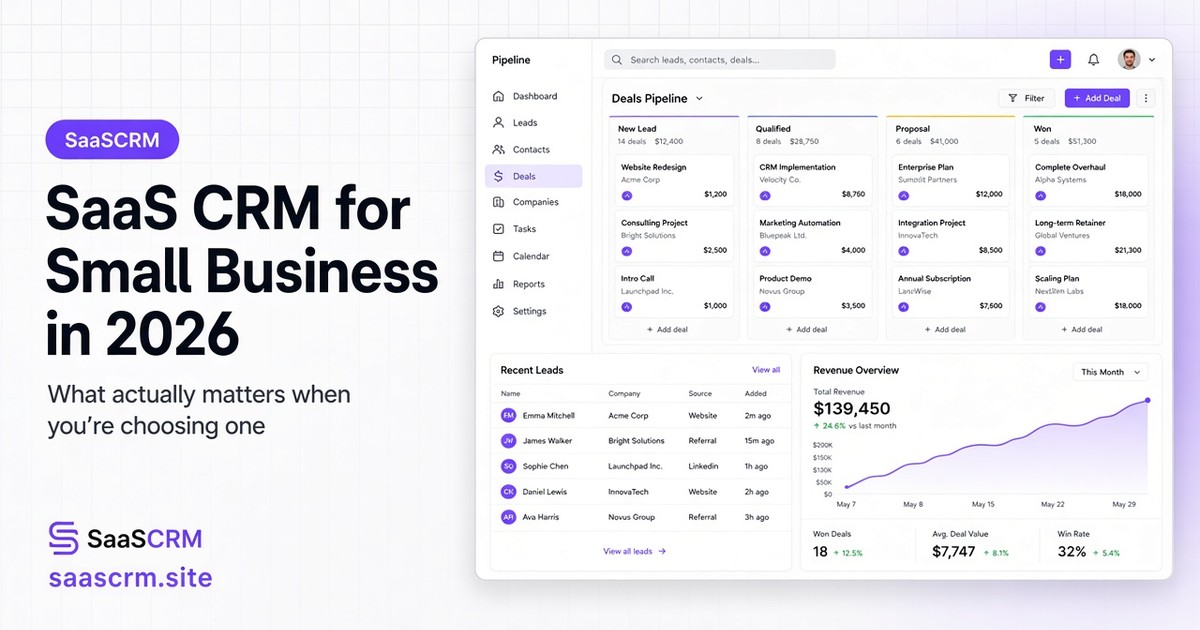
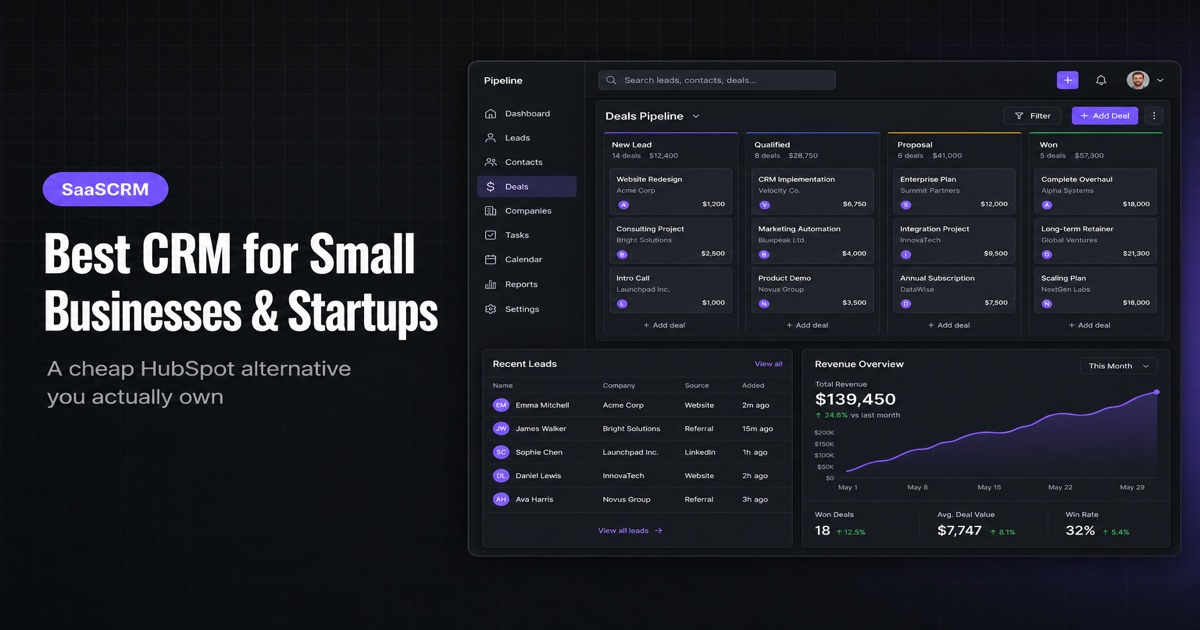
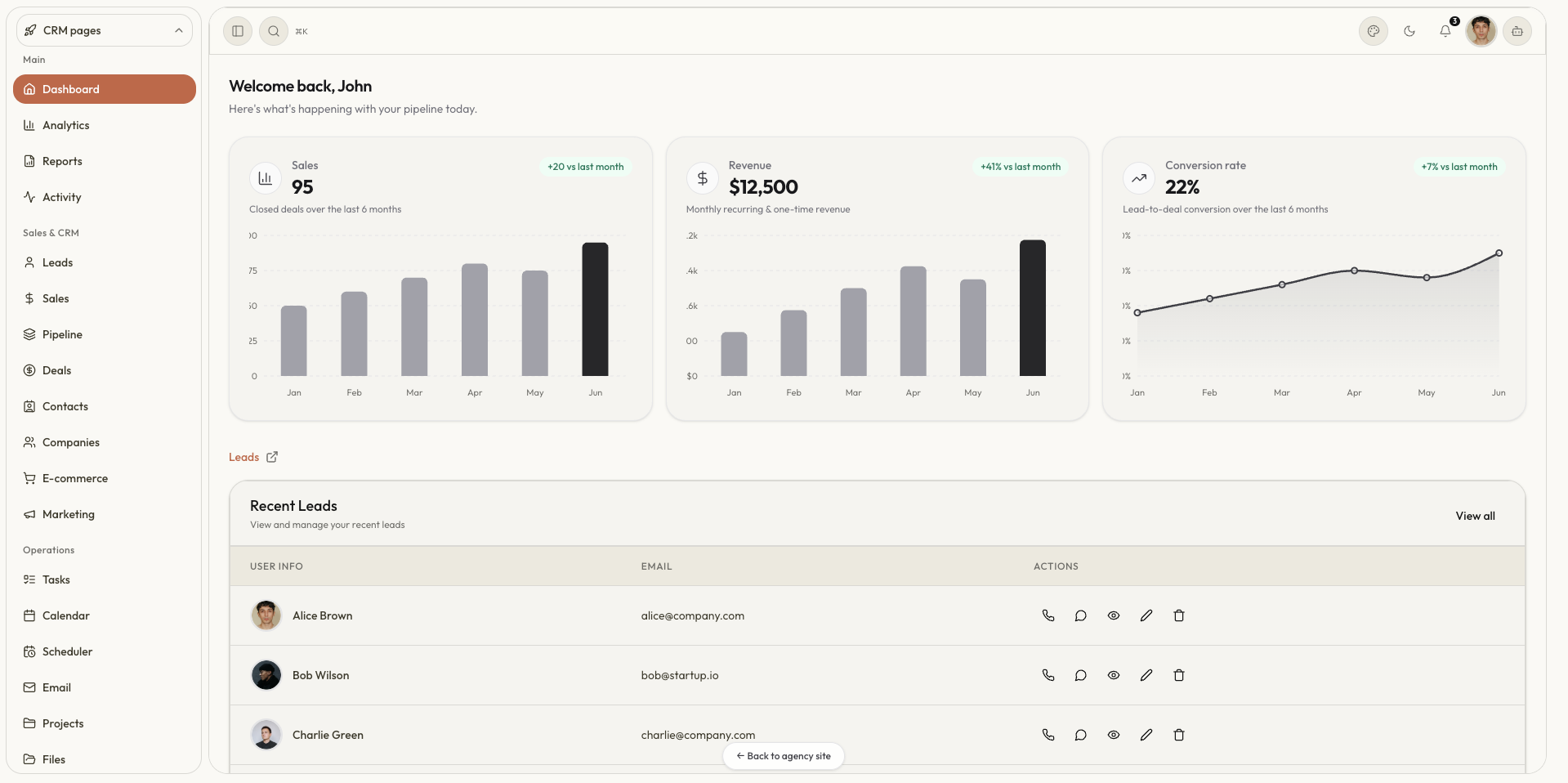
If you want to see the UI the skill is aiming at, open the live demo or the templates gallery first — then describe your workflow, not ours.
How to run it in Claude (the skill)
Anthropic's Claude Code custom skills docs match what we ship: SKILL.md frontmatter + body, extras in references/. On claude.ai you upload the .skill zip (it's a zip) under Skills. In Claude Code you can drop the folder under .claude/skills/.
Steps
- Go to saascrm.site and open Ask Claude to Build CRM.
- Download skills → Next.js or Vite.
- Upload in Claude (or unzip into
.claude/skills/for Claude Code). Enable the skill. - Prompt in plain English, for example:
Build a CRM for a solar installer. Lead comes in → site visit → quote → install → paid. I need leads and a job pipeline, not a separate companies directory. - Claude should load the skill from the description (CRM / pipeline / leads) and scaffold only what that workflow needs.
If it doesn't fire, invoke it by name or tighten the ask: "Use the SaaSCRM Next.js CRM builder skill." Trigger text in description is the whole game — Anthropic says Claude uses it to decide when to load the skill.
This is claude crm as a reusable tool, not a one-off gist you lose in chat history.
The same spec as a CRM prompt template (Cursor)
Cursor does not ingest .skill zips the same way. So the homepage Copy Cursor prompt CTA fetches our Next.js builder markdown — the full crm prompt template: extract spec, pages, column-type table, file layout, fake-activity loop, guardrails, then a placeholder for your business at the bottom.
Paste it into Cursor Agent chat, fill in the business block, run. Same domain model as Claude. Different host.
That split is intentional:
| Claude | Cursor | |
|---|---|---|
| Artifact | .skill zip (SKILL.md + refs) | Prompt markdown |
| How you load it | Upload / .claude/skills/ | Copy-paste once per chat (or save as a project rule) |
| Best for | Repeatable "build me a CRM" in Claude | Repos already open in Cursor |
If you already use our in-browser AI CRM Builder, treat it as the plan (pages, stack, timeline). The skill/prompt is the scaffold that writes the tables.
Migrating from a spreadsheet? Describe the columns you already have — same as Excel to CRM — and tell Claude not to invent extras.
Tips that actually change the output
Write stages in order. The skill turns workflow steps into badge options and kanban column order. "Lead → visit → quote → paid" is better than "we sell solar."
Name the nouns. If you say "jobs" not "deals," the UI should say jobs. Generic "opportunities" is how you get a tool nobody on the van will open.
Cap ambition. Ask for leads + pipeline first. Add invoices in a second pass. That matches how we ship vertical templates: one workflow, not the universe.
Keep it frontend until data is real. Mock rows plus a toast loop sell the demo. Wiring Supabase on day one is a different project — there are Claude + Supabase CRM write-ups if that's the goal. Our skill will refuse to half-do it.
Don't confuse this with a hosted CRM. Nucleus-style ROI stats still assume a team uses the system. A generated UI you never log into is still in the failure-rate bucket. Open it daily or don't bother.
Optional: other harnesses. Projects like Atomic CRM Builder orchestrate a whole Claude Code team on a template. We went the opposite direction: one skill, SaaSCRM-shaped, downloadable from the marketing site.
Conclusion
I didn't "fine-tune Claude on SaaSCRM." I packaged the boring parts of building a CRM — entities, column types, file layout, no fake API — into Claude Skills and a CRM prompt template, then hung them on saascrm.site under Ask Claude to Build CRM.
If you want a claude crm that matches your stages instead of a generic kanban, that's the loop: download the skill or copy the prompt, describe one workflow, get 2–4 editable pages with mock data.
Next steps
- Download the Next.js or Vite Claude skill
- Copy the Cursor CRM prompt
- Plan modules in the AI Builder if you still don't know the pages
- Click through the live demo so you know what "good" looks like
- Ready to own the full kit? Pricing from $49 · custom build: shreyvijayvargiya26@gmail.com
Cheers,
Shrey — creator of SaaSCRM.site